


Post Single
Posted by:
Comments:
Post Date:
Introduction
Audit platforms have evolved from simple inspection tools into centralized operational systems. Today, they manage audits, work orders, assets, reports, tasks, walkthroughs, dashboards, and the evidence that supports every activity. As organizations increasingly depend on these platforms for operational and compliance decisions, security and data governance have become business priorities rather than technical considerations.
A modern audit platform often stores sensitive operational data, employee information, asset records, inspection photos, and corrective action histories. Without strong access controls and clear governance policies, organizations risk unauthorized access, data exposure, regulatory issues, and reduced confidence in the audit process. Building a secure platform requires the right combination of technical controls, well-defined permissions, and continuous monitoring.
Key Takeaways
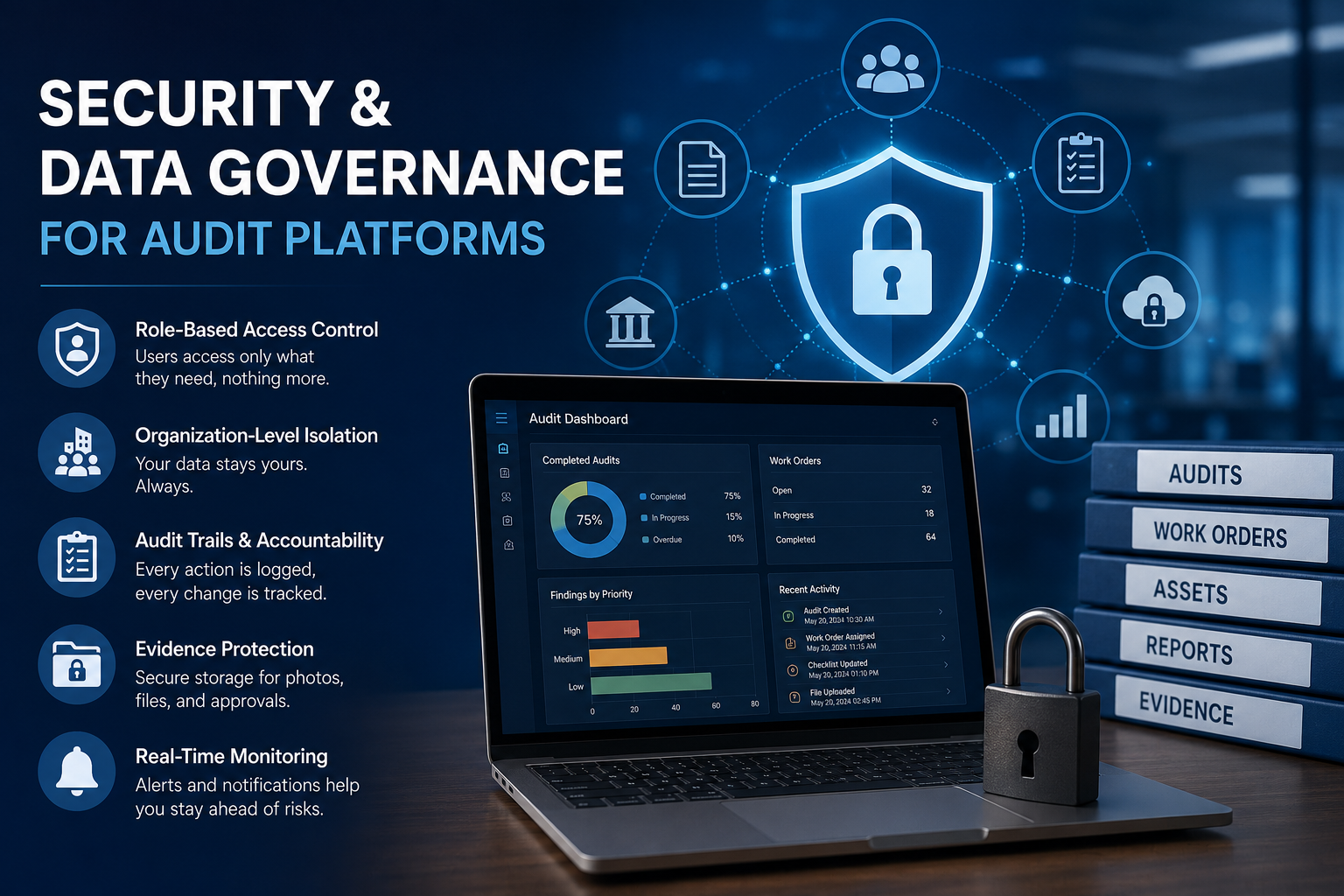
- Role-based access control (RBAC) ensures users only access the information required for their responsibilities.
- Organization-level data isolation prevents one organization from accessing another organization's audits, assets, reports, or dashboards.
- Audit trails improve accountability by recording important user activities.
- Evidence such as photos, files, signatures, and approvals should be securely stored and linked to the appropriate audit records.
- Security notifications for events like repeated failed login attempts or new user creation help identify potential risks early.
Role-Based Access Control
Role-Based Access Control (RBAC) is one of the most effective ways to protect an audit platform. Instead of giving every user broad access, permissions are assigned based on operational responsibilities.
For example:
- Administrators manage system settings, users, and organization configurations.
- Managers oversee operational performance, reports, and assigned teams.
- Auditors conduct inspections and document findings.
Organizations can further define who is allowed to view, create, edit, or approve audits, work orders, tasks, walkthroughs, and reports.
Organization-Level Data Isolation
Multi-tenant audit platforms have to make sure that every organization can reach only its own data and not more. A configuration mistake should never let one organization see another organization’s audits, assets, reports, or dashboards, even by accident.
This separation needs to show up across essentially every big slice of the platform. Like audits and checklists and work orders too, plus assets, dashboards, reporting views, and even the user accounts.
For organizations managing multiple facilities or business units, proper data isolation is essential for maintaining confidentiality and supporting compliance requirements.
Authentication and Authorization Controls
Authentication confirms a user's identity, while authorization determines what that user is allowed to do. Both are essential for securing audit platforms.
Modern systems should support:
- Strong password policies
- Secure session management
- Access token validation
Authorization becomes especially important when users create work orders, assign tasks, approve audits, or manage dashboard visibility. Clearly defined permissions help ensure users can perform their responsibilities without accessing information beyond their role.
Audit Trails and Evidence Integrity
An audit platform should keep a full history of the most important user activities. Audit trails give accountability by making it clear who did what and when it happened
Key moments to log include: Audit creation and completion, Checklist updates, Work order assignments, Permission changes, File uploads
Evidence handling is just as critical. Inspection photos, supporting paperwork, and digital signatures ought to be stored in a secure way and then connected to the right audit entries. Even if the approvals happen through electronic signatures or through recorded user names, the approval record has to stay precise, and it should remain traceable, without any weird gaps.
Dashboard Security and User Permissions
Dashboards combine information from audits, work orders, assets, and reports to provide a clear view of operational performance. Since they often display sensitive business data, access should be carefully controlled.
Employees may only need visibility into their assigned tasks, while managers require broader reporting and performance insights. Permission-based dashboard access ensures users receive the information they need without exposing unnecessary data.
Monitoring Sensitive Events
Keeping an eye on key system happenings helps organizations react sooner, rather than letting small problems grow into bigger trouble later on. It’s kind of, you know, about staying ahead.
Some useful monitoring tends to include things like
- Alerts after multiple failed login attempts
- Notifications when new users are created
For example, repeated failed login attempts may indicate a potential brute-force attack, while notifications about newly created user accounts help administrators verify that account creation is expected and authorized.
Conclusion
As audit platforms become central to day-to-day operations, security and data governance should be treated as core business requirements. Role-based access control, organization-level data isolation, authentication, audit trails, evidence protection, and event monitoring all work together to create a secure and trustworthy audit environment.
Organizations managing audits, inspections, work orders, and operational dashboards need more than secure data storage. They need reliable information that supports confident decision-making while remaining protected and accessible to the right users. A platform built on strong governance and practical security controls provides a solid foundation for compliance, accountability, and long-term operational success.
